Hi,
I have a bit of the same problem.
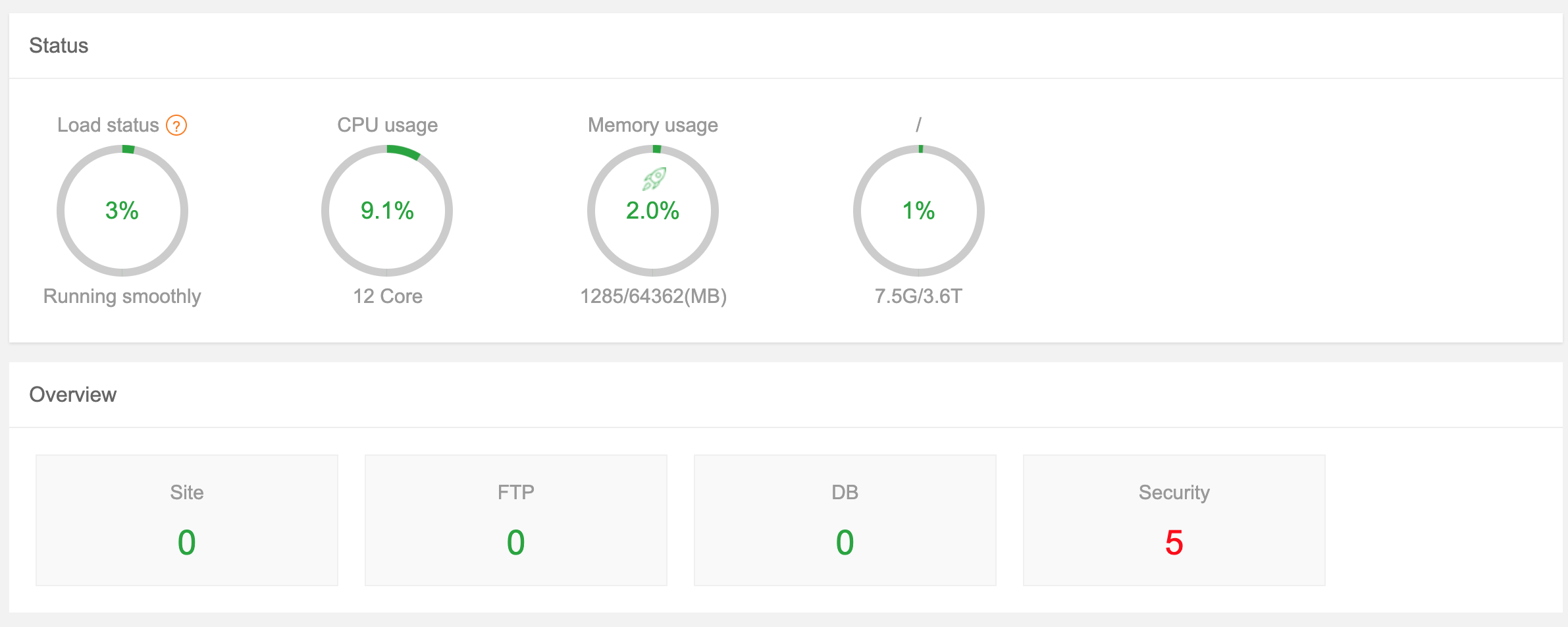
Panel 1 with 100GB and display the widget.
Panel 2 is an other install with 20GB and display the widget.
Panel 3 is a vm clone panel 2 and dont display the widget.
I look the code and command "df -hT -P|grep '/'|grep -v tmpfs|grep -v 'snap/core'|grep -v udev" return same result for the three panel.
Panel 1 :
/dev/sda6 ext4 97G 11G 82G 12% /
/dev/sda5 ext4 169M 71M 85M 46% /boot
Panel 2 :
/dev/sda6 ext4 19G 8,7G 8,9G 50% /
/dev/sda5 ext4 169M 71M 84M 46% /boot
Panel 3 :
/dev/sda6 ext4 19G 8,8G 8,7G 51% /
/dev/sda5 ext4 169M 71M 84M 46% /boot
Ubuntu 20.04.1 LTS
I clear the cache, restart, reboot etc.
I will analyze the python code to force the display but I do not see what is blocking.
Panel 1 system?action=GetDiskInfo
[{filesystem: "/dev/sda6", type: "ext4", path: "/", size: ["97G", "11G", "82G", "12%"],…}]

0: {filesystem: "/dev/sda6", type: "ext4", path: "/", size: ["97G", "11G", "82G", "12%"],…}

filesystem: "/dev/sda6"

inodes: ["6479872", "266067", "6213805", "5%"]

0: "6479872"

1: "266067"

2: "6213805"

3: "5%"

path: "/"

size: ["97G", "11G", "82G", "12%"]

0: "97G"

1: "11G"

2: "82G"

3: "12%"

type: "ext4"
Panel 3 :
[]

No properties