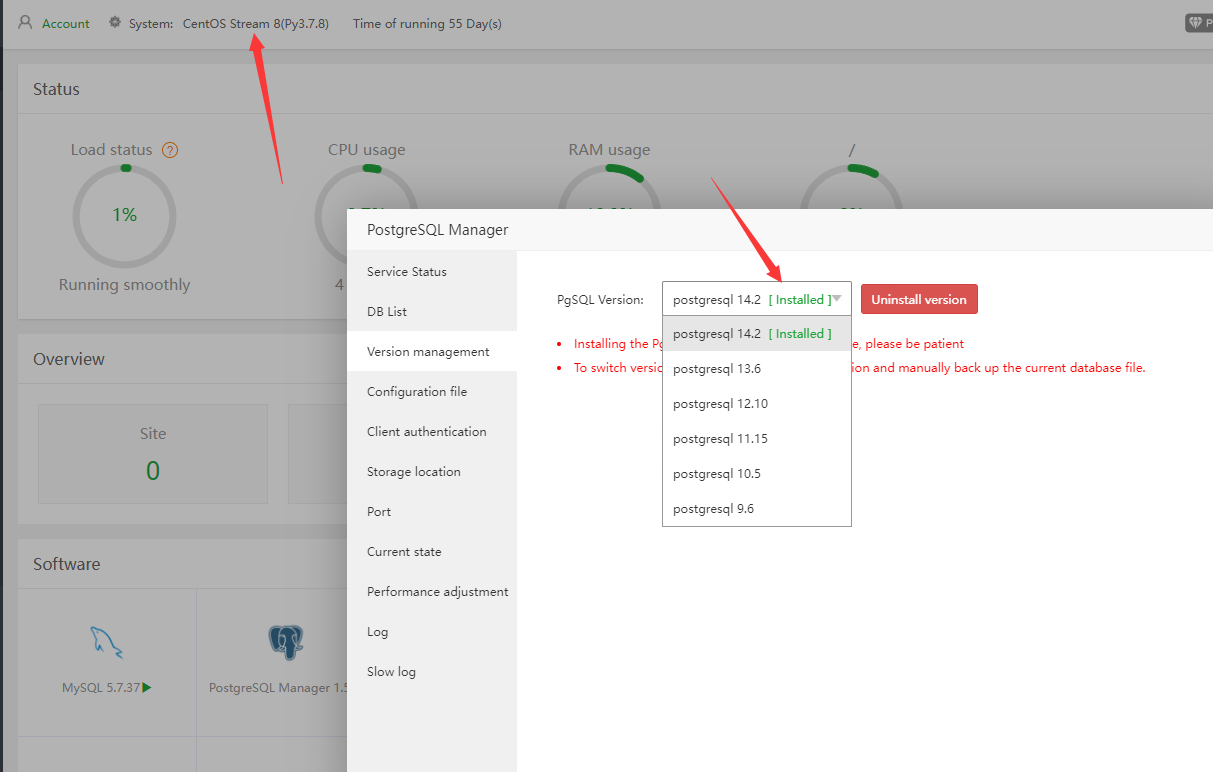
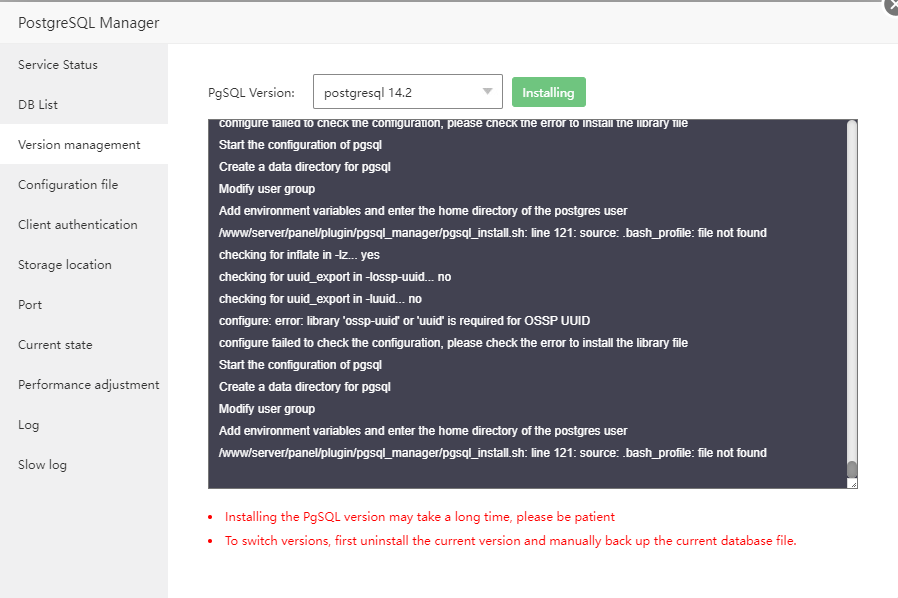
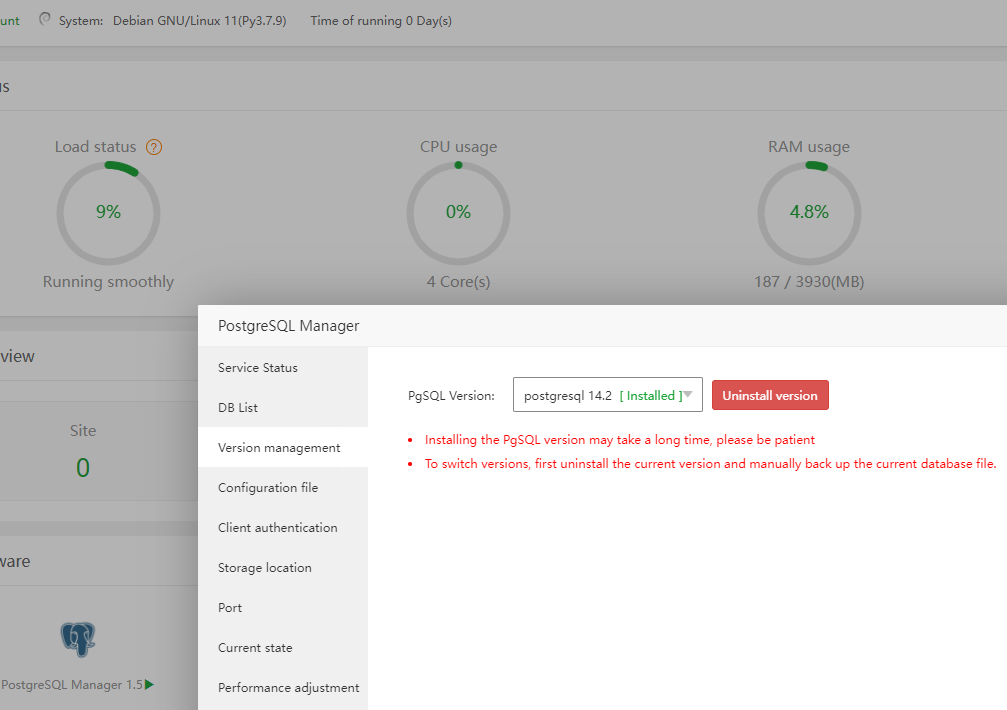
I am not able install PostgreSQL from PostgreSQL Manager 1.5. I have tried installing v 14.2, 13.6, 12.10 & 11.15
It shows successfully installed but then when I click on the restart button on the Service Status Tab, it shows this error:
`Warning message:
-bash: /www/server/pgsql/bin/pg_ctl: No such file or directory`
Also, the log shows this error:
-bash: /www/server/pgsql/bin/postgres: No such file or directory

-bash: /www/server/pgsql/bin/postgres: No such file or directory

-bash: /www/server/pgsql/bin/postgres: No such file or directory

-bash: /www/server/pgsql/bin/postgres: No such file or directory

-bash: /www/server/pgsql/bin/postgres: No such file or directory

-bash: /www/server/pgsql/bin/postgres: No such file or directory

-bash: /www/server/pgsql/bin/postgres: No such file or directory

-bash: /www/server/pgsql/bin/postgres: No such file or directory

-bash: /www/server/pgsql/bin/postgres: No such file or directory

-bash: /www/server/pgsql/bin/postgres: No such file or directory

-bash: /www/server/pgsql/bin/postgres: No such file or directory

-bash: /www/server/pgsql/bin/postgres: No such file or directory

-bash: /www/server/pgsql/bin/postgres: No such file or directory

-bash: /www/server/pgsql/bin/postgres: No such file or directory
When I click on the Start button on the Service Status Tab, it shows:
PG SQL already start
Then when I again open PostgreSQL Manager to create a new DB, it take takes to me the Version Management Tab to install a version first.
I have tried several times and have even uninstalled and reinstalled the PostgreSQL Manager with same results.
I am on a newly created Compute Instance on GCP with CentOS 8 Stream, fully updated.
Even the aaPanel took 26 minutes to get installed on this server.
The nginx took 45 minutes. I used the fast method.